For banks, BaaS platforms and the fintechs built on them

Open banking connector, built on global specs

2Fin connects to banks through the standards they already publish, wherever they are. On the far side of the connector, every customer gets complete money-management software: every view of their ledger, dashboards, intelligence built in or, on the desktop app, their own model, and privacy they control.

Every spec is documented in the 2Fin docs (opens in a new tab).

Example · one camt.053 entry from a core banking system
<Ntry>
  <Amt Ccy="EUR">32.99</Amt>
  <CdtDbtInd>DBIT</CdtDbtInd>
  <Sts><Cd>BOOK</Cd></Sts>
  <BookgDt><Dt>2026-10-14</Dt></BookgDt>
  <BkTxCd>…<SubFmlyCd>POSD</SubFmlyCd>…
  …<Ustrd>ADOBE *CREATIVE CLD</Ustrd>…
</Ntry>
what your customer sees in 2Fin
Adobe Creative Cloud−€32.99
SoftwareMonthly subscriptionWork expense
VAT included
€5.27
Next renewal
14 Nov 2026

Fin · Three subscriptions renew this week, €71.97 in total.

How your data reaches 2Fin

The standards you already speak

2Fin is a finance app with an open transaction connector that reads ISO 20022 camt.053, MT940 and OFX statements and accepts transactions through an OAuth 2 push API. Every format and endpoint it uses is a published specification, so a bank, a Banking-as-a-Service platform or a fintech can connect without a private integration.

Three ways in: your customers import a statement your online banking already exports, your platform pushes each transaction once the customer approves it on 2Fin’s consent screen, or your customers connect a SimpleFIN or BankSync feed that reaches your bank.

The push request and the webhook signature check are in the two-minute quick start.

Statement files

  • End-of-day bank-to-customer statements in XML. Fin reads the credit or debit indicator on every entry, so a debit always lands as money out.

    Cloud · desktop · self-hosted

  • Customer statement messages, read statement block by statement block, with each :61: line signed from its debit or credit mark.

    Cloud · desktop · self-hosted

  • Open Financial Exchange downloads, the Quicken and Money format many banks offer. The account ID in the file makes de-duplication exact.

    Cloud · desktop · self-hosted

  • The older Quicken format. Fin reads the whole file to work out whether its dates are day-first or month-first, and asks when the file cannot say.

    Cloud · desktop · self-hosted

  • Any bank’s spreadsheet export, with the column mapping proposed for you and rows already imported recognised and set aside.

    Cloud · desktop · self-hosted

Push API and events

Feeds your customers connect

Assistants and specs

  • Claude, ChatGPT and other assistants work with your customer’s records, reading freely and changing them only with the permission your customer approves. In the cloud they sign in through the same OAuth server; on the desktop the server runs on your customer’s own machine.

    Cloud · desktop · self-hosted

  • The REST API reference is published with an OpenAPI 3.1 file, so a client can be generated rather than hand-written.

    Cloud

On the far side of the connector

A complete money-management app for every customer

On the far side of the connector, every customer gets complete money-management software, not just a feed: every view of the ledger, dashboards, bank-feed health, upcoming money, budgets and goals, tax and assets, intelligence built in or, on the desktop app, on their own key, hand-offs to their accountant, and privacy controls they set themselves.

Every view of the ledger

  • List
  • Calendar
  • Spreadsheet
  • Budget
  • Year cash flow
  • Audit
  • Compare
  • 3D

Edit cell by cell with undo in the Spreadsheet, plan in Budget and Year cash flow, and let Audit list every row that would make a budget or tax export wrong, each with a one-click fix.

Read more about every view of the ledger

Dashboards

A Today row with Upcoming and Needs review, budget health, burn rate, a 3D month panel and Fin’s weekly review.

Read more about dashboards

Bank feed health

Every feed shows fresh, quiet or stale with the day new transactions last arrived. A row that vanishes is flagged, never deleted; possible duplicates wait in a review tray; a feed that needs reconnecting says so.

Tax, assets and receipts

GST or VAT separated on every transaction from 2Fin’s global tax engine, activity statements prepared, an asset register with depreciation, and receipt photos matched to their payments.

Read more about tax, assets and receipts

Intelligence built in, or bring your own

Every row shows how Fin decided — the merchant it read, its confidence, deductibility and reasoning, with your customer’s rules applied first. On the desktop app, bring your own Anthropic, OpenAI or AWS Bedrock key, or a local model through Ollama or LM Studio.

Read more about intelligence built in, or bring your own

Ready for the accountant

Push coded transactions to Xero or QuickBooks Online (beta), send categorised rows to Google Sheets, Excel, Notion or Airtable, and give an accountant a consented, read-only view.

Read more about ready for the accountant

Privacy and security

Your customer stays in charge of their data

Each customer chooses what to connect, approves what an assistant may do, and can disconnect at any time. 2Fin enforces their privacy choices on the server and never holds their bank password.

Privacy they control
  • An Intelligent insights switch enforced on the server: turned off, categorisation, receipt reading, chat and assistant access stop using models, and if the setting cannot be read Fin refuses rather than guesses
  • Personal identifiers removed before any row reaches a model
  • A local-first desktop app: records stay on the customer’s own machine, with a record of everything sent, a switch for each connection, airplane mode, and telemetry off by default
  • Full data export, selective deletion with a preview first, account deletion, and authenticator-app two-factor sign-in
The local-first desktop app
Security in place
  • OAuth 2.0 authorization code with PKCE, S256 only, and a revocation endpoint
  • Bank passwords never held: feeds are read-only, through keys and tokens the customer owns
  • Every transaction keyed to its source ID per customer, and an Idempotency-Key on every push, so a retry never doubles a row
  • Outbound webhooks signed with HMAC-SHA256, with a timestamp and a delivery ID
  • Statement parsing that refuses an XML file carrying a DOCTYPE
How 2Fin protects data

For your bank or platform

Get featured, and earn as you refer

Send 2Fin your API documentation or sample statements, the standards you support, the countries and account types you cover, and a sandbox with a technical contact. Once 2Fin’s adapter passes testing, your bank is featured in the bank picker and the connector docs, and partners earn recurring rewards for the customers they refer.

Submit your connector

Be listed in 2Fin’s bank picker

2Fin builds and tests the adapter against your sandbox, then features your bank or platform by name in the bank picker and on the bank connectors page (opens in a new tab) of the docs. Send:

  1. Your API documentation, or sample statement files with any personal data removed
  2. The standards you support: camt.053, MT940, OFX, a REST API, SimpleFIN or your own
  3. The countries and account types you cover — personal, business, cards
  4. A sandbox, and a technical contact who can answer questions about it
Referral program

Earn every month they stay

Refer your customers to 2Fin and earn recurring rewards for as long as they stay subscribed, paid through Stripe. Customers who join on a monthly plan save on it too.

How the referral program works
Send your submission or questions topartnerships​@ai2fin.com

Banks and platforms, answered

Questions about the open connector

Does 2Fin connect to banks through regulated open banking rails?
2Fin connects through published standards rather than an accreditation: statement files in ISO 20022 camt.053, MT940, OFX, QIF or CSV, the OAuth 2.0 push API, and the SimpleFIN and BankSync feeds a customer connects with their own key. 2Fin is not an accredited data recipient under any regulated open-banking regime, such as Open Banking, the Consumer Data Right or PSD2, so the open in open connector means open specifications.
Is 2Fin only a data connector?
No. The connector is the way in; on the far side is complete money-management software. Every customer gets List, Calendar, Spreadsheet, Budget, Audit, Compare and 3D views of the ledger, dashboards, bank-feed health, upcoming money and recurring payments, budgets and goals, GST or VAT separated on every transaction, an asset register, intelligence built in or, on the desktop app, on their own model key, accountant hand-offs, and privacy controls they set themselves.
Which bank statement formats can 2Fin import?
ISO 20022 camt.053, SWIFT MT940, OFX and QFX, QIF, CSV and Excel. Each parser signs amounts from the file’s own debit and credit markers, re-importing an overlapping statement skips the rows already there, and the same import runs in the web app, the Windows app and a self-hosted deployment.
How does a platform authenticate to the 2Fin push API?
With OAuth 2.0: the authorization code flow, with PKCE required and S256 the only challenge method. Your customer signs in to 2Fin and approves each scope by name — write:transactions, write:expenses or webhooks:manage — and your platform then calls POST /api/integrations/v1/transactions with the bearer token and an Idempotency-Key header.
Does 2Fin run inside my bank’s own app?
2Fin runs as its own app. Your customers use it in any browser at app.ai2fin.com or in the Windows app, and connect your bank to it with a statement file, a feed or your push integration. Your app links out to 2Fin, and each customer decides what they connect and can disconnect it at any time.
Which countries does the connector work in?
It is global. Statement files work for banks in any country that exports camt.053, MT940, OFX, QIF or CSV, and bank feeds through BankSync and SimpleFIN reach banks around the world. GST or VAT is separated on every transaction, with tax figures in your customer’s own country’s terms from 2Fin’s global tax engine; the countries where the income-tax estimate runs are listed on 2Fin’s countries page.
What happens after a bank submits a connector?
2Fin reviews your documentation or sample files, builds an adapter for your format or API, and tests it against your sandbox with your technical contact. Once the adapter passes testing, your bank is featured in the bank picker inside 2Fin and on the connector pages at docs.ai2fin.com, so your customers can find it by name.
Can partners earn by referring customers to 2Fin?
Yes. Partners can earn recurring rewards for the customers they refer, paid through Stripe. Who is eligible, when rewards are paid and the full program terms are on the 2Fin referral program page at ai2fin.com/referrals.
Where is the open connector documented?
At docs.ai2fin.com: the statement-file formats, the Integration API and its signed webhooks, OAuth sign-in and scopes, the bank-feed connectors by country, the MCP server, and the REST API reference with its OpenAPI 3.1 file. Every standard listed on this page links to its own docs page.
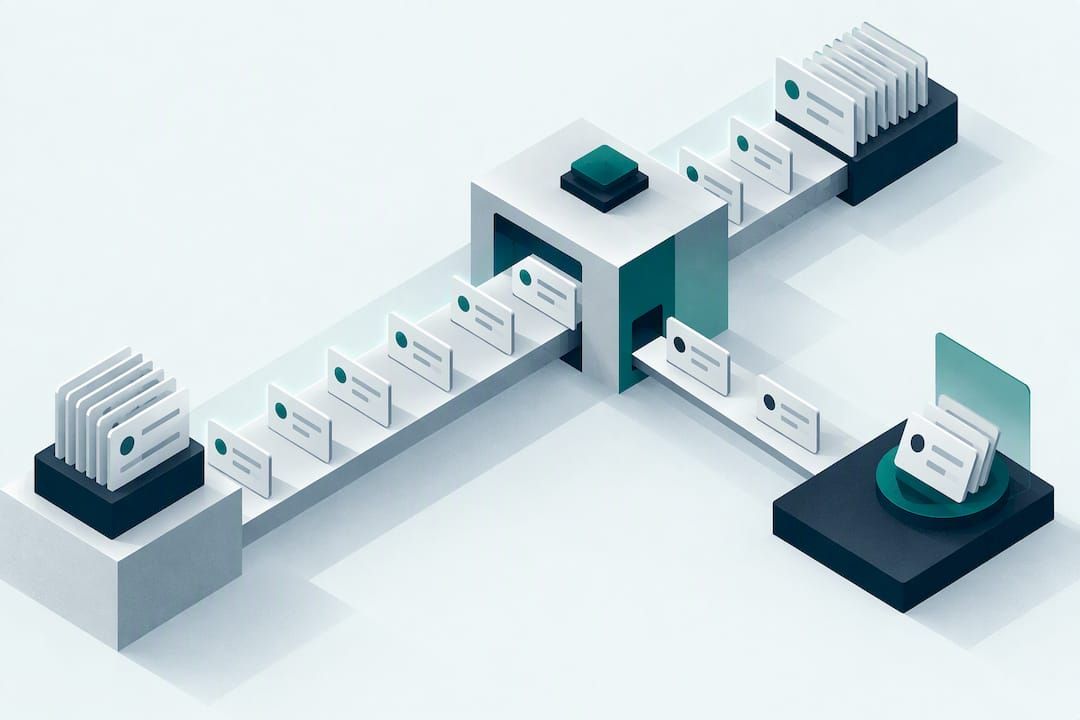
Connect on the standards you already publish

Send a statement file today or push your first transaction through the API. Every piece is documented, and Fin does the sorting.

2Fin is a product of AI2FIN PTY LTD. Figures in the hero example are illustrative.