

















Automated Bookkeeping for Small Businesses: Start With Bank Feeds
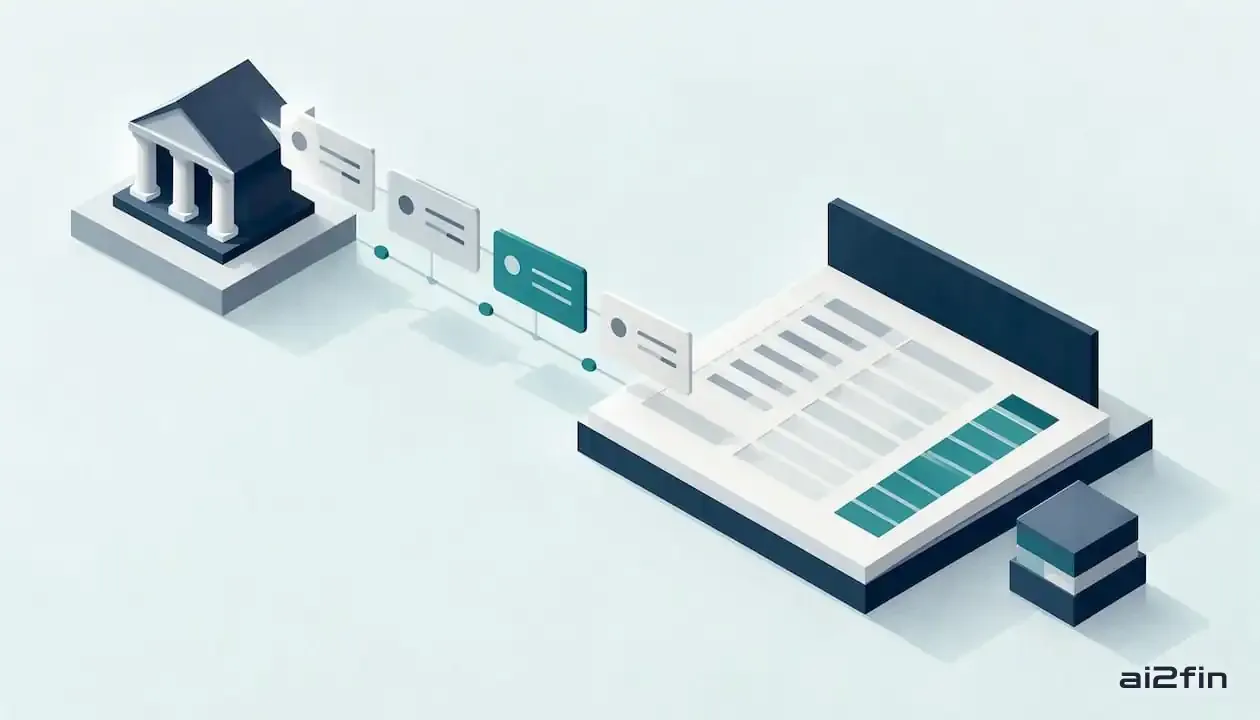
Automated bookkeeping: transactions flowing from a bank feed into a ledger. Image: 2Fin (ai2fin.com).
Automated bookkeeping uses bank feeds, receipt capture and intelligent categorization to handle routine data entry, so your records stay current with far less manual work. Field research links generative AI in accounting to a 7.5-day shorter month-end close. 2Fin is built around the same idea: cleaner books, fewer manual reconciliations, faster reports.
Last reviewed October 2026. General information, not tax or financial advice.
TL;DR
- Accounting teams using generative AI produced financial reports with 12% more detail and closed the month 7.5 days faster, in a study of 79 small and medium-sized companies that did not examine solo operators.
- Start with one bank account in read only mode, import only the current financial year, and approve uncertain classifications through an exceptions queue.
- Review low confidence entries, especially purchases or mixed use costs with tax consequences, and retain receipts plus change logs to support reported figures.
- Before choosing software, confirm bank coverage, accountant ready exports, clear privacy terms, data portability, and controls for additional accounts and team members.
What does automated bookkeeping actually do day to day?
Think of it as a checklist of chores that software now takes off your plate. Map your own week against it and you will see where the hours go.
- Transaction import: bank and card feeds sync new transactions automatically, so you stop typing or uploading statements.
- Categorization: rules handle predictable items, and intelligent categorization classifies the rest. Recurring transactions such as rent, software subscriptions and insurance get coded the same way every time.
- Receipt and invoice capture: OCR reads photos and PDFs, pulls out the vendor, date and amount, and attaches the document to the matching transaction.
- Reconciliation suggestions: the system proposes matches between bank lines and your records, and bulk processing lets you approve a whole batch at once.
- Accountant-ready exports: clean files and spreadsheet exports mean your accountant receives organized data instead of a shoebox of receipts.
None of this removes you from the process. It moves your effort from typing to checking, which is faster and far less error-prone.
Why do small businesses benefit from automating their books?
The clearest evidence so far comes from accounting teams using generative AI. Researchers found it let accountants raise the level of detail in financial reports by 12% and cut 7.5 days off the monthly close, according to CFO Dive's report on the MIT and Stanford study of 79 small and medium-sized companies. The same work found teams shifted effort away from routine data entry toward quality assurance and communication.
That finding is about accounting teams, not solo operators, but the pattern carries over. Here is what it looks like for you:
- Time back: the hours you spend keying in transactions drop sharply, so reporting is ready sooner.
- Better reports: more detailed, consistently categorized records make tax prep easier and give your accountant fewer questions to chase.
- Better use of your week: the time you recover can go to sales, operations or customers.
Detailed categories also help with tax. The post on maximizing tax deductions with intelligent finance shows how accurate classification surfaces deductions that sloppy records hide.
How does bookkeeping automation work behind the scenes?
You do not need to be technical to evaluate this, but a clear map of the moving parts helps.
Bank feeds are the foundation. Your bank or card provider sends transactions to the software, which normalizes messy descriptions into a consistent format: merchant, date, amount, direction. Everything else builds on this clean data.
OCR (optical character recognition) reads receipts and PDF invoices. The extracted details are matched to a transaction and stored with it, which creates the paper trail you need if anyone asks questions later.
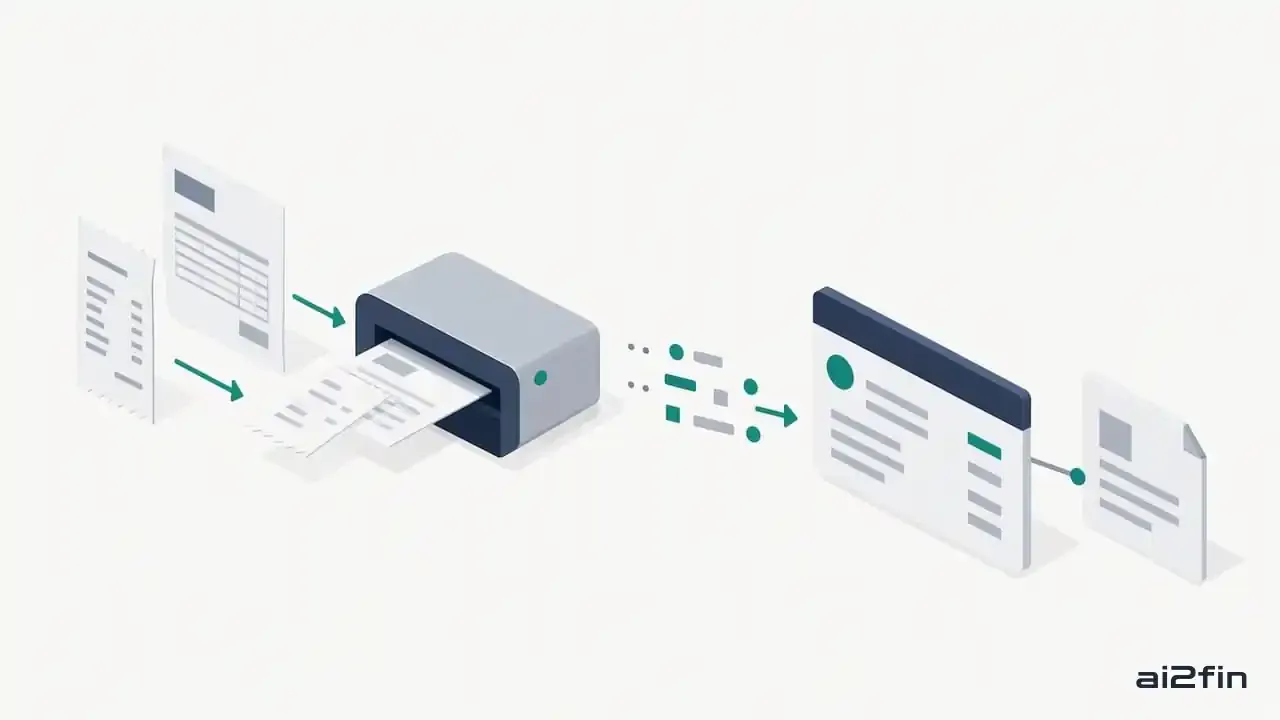
A receipt matched to its bank transaction. Image: 2Fin (ai2fin.com).
Classification comes in two flavors. Rules-based systems follow instructions you set ("anything from this supplier is Office Supplies"). Intelligent classification infers the category from patterns, then assigns a confidence score. A high score means the system is sure; a low score means a human should look. That score matters because it tells you where to spend your review time. The smart categorization docs show how this works in practice, and custom rules let you lock in your own preferences.
Exports and integrations carry the result onward: accounting platform exports, Google Sheets and Excel, and accountant-ready files. Good data portability means you are never locked in.
How do you roll out automation step by step?
A careful rollout beats a big-bang switch. Follow these steps in order.
- Inventory your tasks and data sources. List every bookkeeping chore, plus every bank account, card, payment processor and receipt source.
- Connect bank feeds in read-only mode. Import history selectively, such as the current financial year, rather than everything you have ever recorded.
- Map your chart of accounts and set starter rules. Cover your most frequent items first: rent, software, fuel, payment fees, regular suppliers.
- Run in review mode. Let the system categorize, but approve through an exceptions queue. Check it daily at first, then taper off as accuracy proves itself.
- Set a monthly reconciliation and approval cadence. Reconcile and sign off before you close the books each month.
- Document the workflow and test an export. Write down who does what, then produce a sample accountant-ready package and ask your accountant if it has what they need.
Pro Tip: Start with one bank account before connecting the rest, so mistakes in your rules stay small and easy to fix.
The 2Fin flow walks through this path from bank import to tax-ready books if you want to see it end to end. Banks that describe a payment cryptically are covered in how bank transaction descriptors are decoded, and open banking explained covers what a read-only connection can and cannot do.
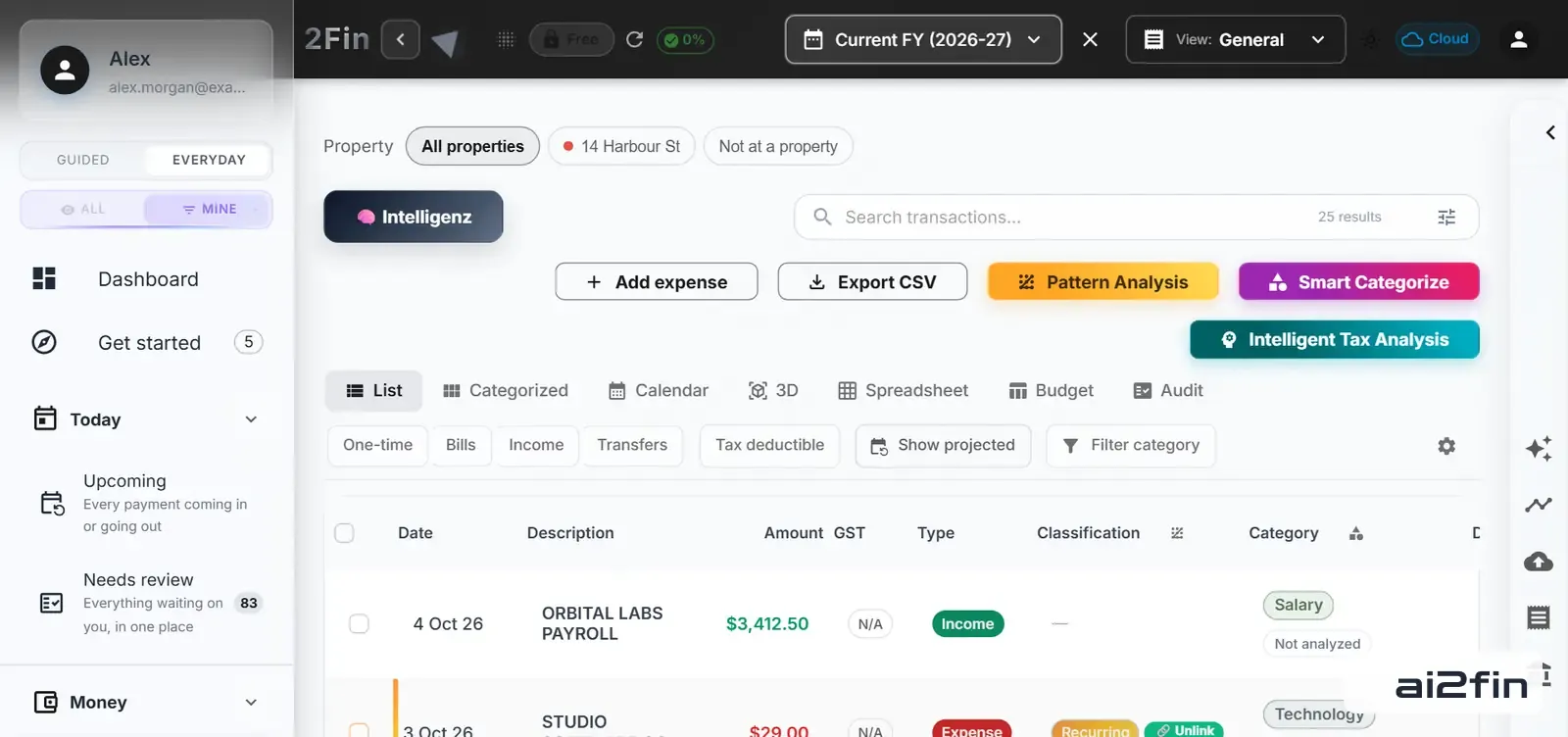
2Fin All Transactions view. Image: 2Fin (ai2fin.com).
That is the review step in 2Fin: every imported line with its type, GST and category beside it, and anything unsure waiting in one list. Try it on your own transactions.
Where should humans stay in the loop?
Automation works best as augmentation, not replacement. Experts in the field emphasize that human-in-the-loop review remains the standard, especially for low-confidence or judgmental items, as described in Human + AI in Accounting: Early Evidence from the Field. Practitioner evidence reported by MIT Sloan adds a warning: leaning on machine output that experts would not endorse can raise risk, so professional skepticism and selective intervention protect reporting quality.
Build these controls into your routine:
- Review low-confidence items first. Spend your attention where the system is least sure.
- Use approvals and an exceptions queue. Even in a small business, separate who enters from who signs off when you can.
- Keep an audit trail. Logs of who changed what, and when, make questions from an accountant or tax authority easy to answer. Documenting exceptions and the reasoning behind them is part of what a good tool does for you, and how to organise receipts for tax shows what a defensible trail looks like.
- Sample and reconcile regularly. Pull a handful of transactions each month and confirm they landed in the right place.
- Teach the system. Every correction you make should become a rule, so the same mistake does not return next month.
What should you look for when choosing a tool?
Skip the vendor roundups and judge any product against the same criteria.
- Integration: does it connect to your banks, and does it export in formats your accountant and accounting platform accept?
- Depth of automation: categorization, bulk processing, tax-focused features and receipt handling, not just a feed.
- Control features: confidence scores, an exceptions queue, approvals and audit logs.
- Portability: you should be able to leave with your data in a clean, usable format.
- Support and privacy: clear documentation, responsive help, and a plain-language policy on how your financial data is stored and used.
The 2Fin features overview shows how Fin covers these areas, which you can use as a reference point when you compare options.
How does automation fit with accounting standards and tax rules?
Software does not change what the rules require. It changes how efficiently you meet them. Your obligations depend on where you operate, so check the requirements of your own country and tax authority, and ask your accountant which records they need.
A few principles hold up wherever you are. First, tax authorities generally expect supporting documents for the figures you report (the ATO calls this substantiation), which is why receipt capture and attachment matter. Second, categories should reflect how the law treats an expense, so a personal purchase never ends up in a business deduction. Third, an audit trail showing who classified what and when makes your position easier to defend.
Research on artificial intelligence in audit work points in a reassuring direction. A study in Review of Accounting Studies found that investment in artificial intelligence was associated with improved audit quality and lower audit fees over time. That concerns auditors rather than small-business bookkeeping, but it suggests well-controlled automation can support quality rather than undermine it.
Practical habits keep you on solid ground:
- Reconcile monthly before closing the period.
- Review anything the system flags as uncertain, especially items with tax consequences like asset purchases, mixed-use costs and property expenses.
- Keep exports and supporting documents for the period your local rules require.
- Share a sample export with your accountant early, so they can confirm the format meets their needs.
Where GST or VAT is involved, a valid tax invoice and the right tax treatment on each line matter more than the software you use. Try the sums yourself:
Add or remove GST on any amount
Automation produces the draft. You and your accountant remain responsible for the final figures.
Will automated bookkeeping still work as your business grows?
Usually yes, provided you choose with growth in mind. The same feeds and rules can handle growing transaction volumes, and bulk processing means review time grows more slowly than volume.
Growth creates new needs, though, and these are worth checking before you outgrow a tool:
- More accounts and entities: additional bank accounts, cards, payment processors or a second business should connect without rebuilding your setup.
- More people: role-based access lets an employee or bookkeeper work in the system without seeing everything.
- Cost allocation: as you expand, you may need to split costs by project, location, product line or property. The growing business page covers slicing expenses these ways.
- Accountant collaboration: when an outside professional joins, a shared workspace beats emailing spreadsheets. The accountant workspace supports that handoff.
- Integrations: if you add middleware like Zapier or Make, the tool should connect to them. See the documentation on connecting to iPaaS tools.
The rule of thumb: pick a tool whose controls scale with you. An exceptions queue and approvals may feel like overkill with a single owner, and become essential as your team grows.
How does automated bookkeeping change decisions and reporting?
Faster, cleaner books change what you can decide and when. A rolling 90-day cash flow view is one example: it only works when the records behind it are current. When month-end takes days instead of weeks, you see problems while they are still fixable: a margin slipping, a subscription creeping up, a client paying late.
The research supports this. Teams in the study closed their books sooner and produced more detailed reports, as reported by CFO Dive. Granularity matters because broad categories hide the detail you need to act. "Marketing" tells you little; ad spend by channel tells you where to cut or invest.
For a small business, that translates into practical gains:
- Timely numbers: you can check cash and profit mid-month instead of guessing until the quarter ends.
- Sharper cost control: consistent categories make trends visible, so unusual spikes stand out.
- Better conversations: your accountant spends time advising rather than cleaning up data.
- Confident planning: budgets and tax set-asides rest on current records instead of estimates.
One caution: decisions are only as good as the records behind them. That is why the review habits above matter. Automation gives you speed, and your oversight gives you trust in the numbers.
Why people stay in charge
Fin does the repetitive part and leaves the judgment calls to you. A person decides whether a purchase is personal or business; Fin makes sure that decision is captured once, applied the same way next time, and sitting beside the receipt. That human-plus-software split is also the practical and defensible one when an accountant or tax authority asks questions. If you want to see it for a business like yours, the small business page is a good start.
What 2Fin handles for you
- Automated bookkeeping with smart categorization and bulk processing
- Receipt uploads attached to the right transactions
- Tax tools, including deduction finding
- Exports to Google Sheets, Excel and your accounting setup
A simple next step: start on the free plan and watch the flow from bank import to tax-ready books. More guides on the same ground: automate your bookkeeping handover, what your accountant needs at tax time, and the bank reconciliation automation guide.
